01Layer
Learning Flagship
Serve interactive courses and packs offline, run the hub on the local network, and capture per-lesson progress and certificates.
serve · run · credential · sync-to-cloud-when-online
Hyracbox Edge serves your courses offline — and everything else a site needs: a media and reference library, live-session tools, and the open infrastructure underneath. Low-power and portable — it runs off a power bank, with no mains electricity or internet required.
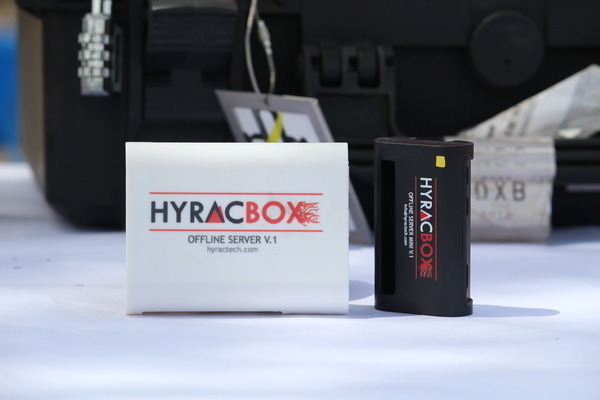
A real local server — not a content player.
Hyracbox Edge is a small, low-power server that brings the Hyracbox platform — and the rest of a working site — to places the internet doesn't reach reliably. Learners and staff connect over its own network; it serves courses, captures progress and certificates, and syncs to the cloud when a connection is available.
Because it's a genuine local server, the same box carries a media and reference library, live-session tools, and the infrastructure a site needs — so it earns its place beyond the classroom.
Learning is the flagship. Everything under it is infrastructure you'd otherwise buy separately.
Serve interactive courses and packs offline, run the hub on the local network, and capture per-lesson progress and certificates.
Cast to a room, share media, and run polls and quizzes — learners join over the box's own network with a QR code or PIN. For workshops, classes and events with no internet.
A library of 50,000+ educational resources, plus an offline media server — reference and content that keeps working with no signal.
For teams who need a local server, not just content: local code hosting, automation flows, and a sensor/IoT message broker — the services a connected site relies on, running on-site.
Most learning boxes only play back files. Edge runs the whole platform offline and the site services around it — so the box pays for itself before the first course loads.
No app to install — people join the box's own network and tap. This is a real Hyracbox Edge: the platform, and a working site's apps, all offline.
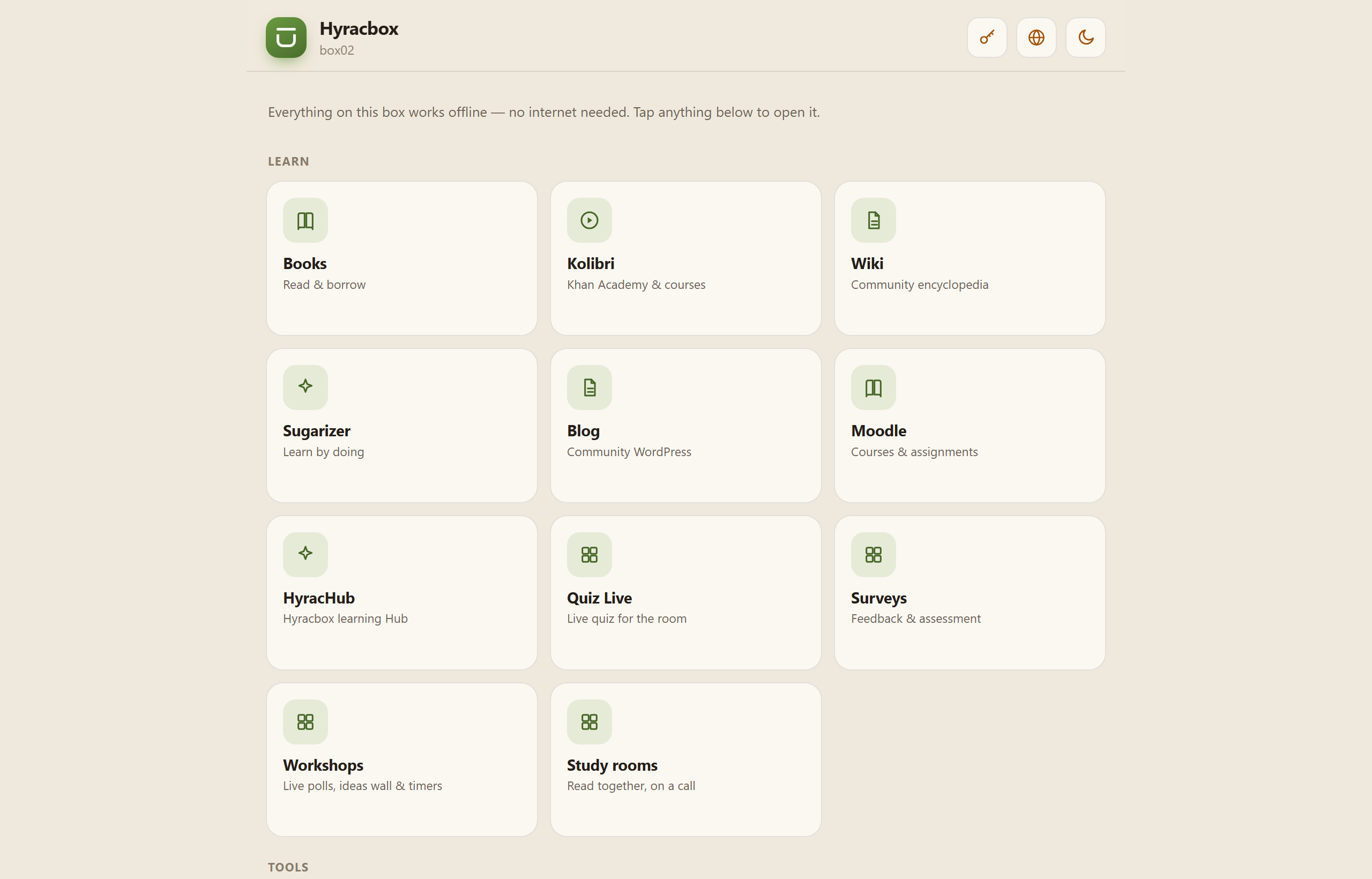
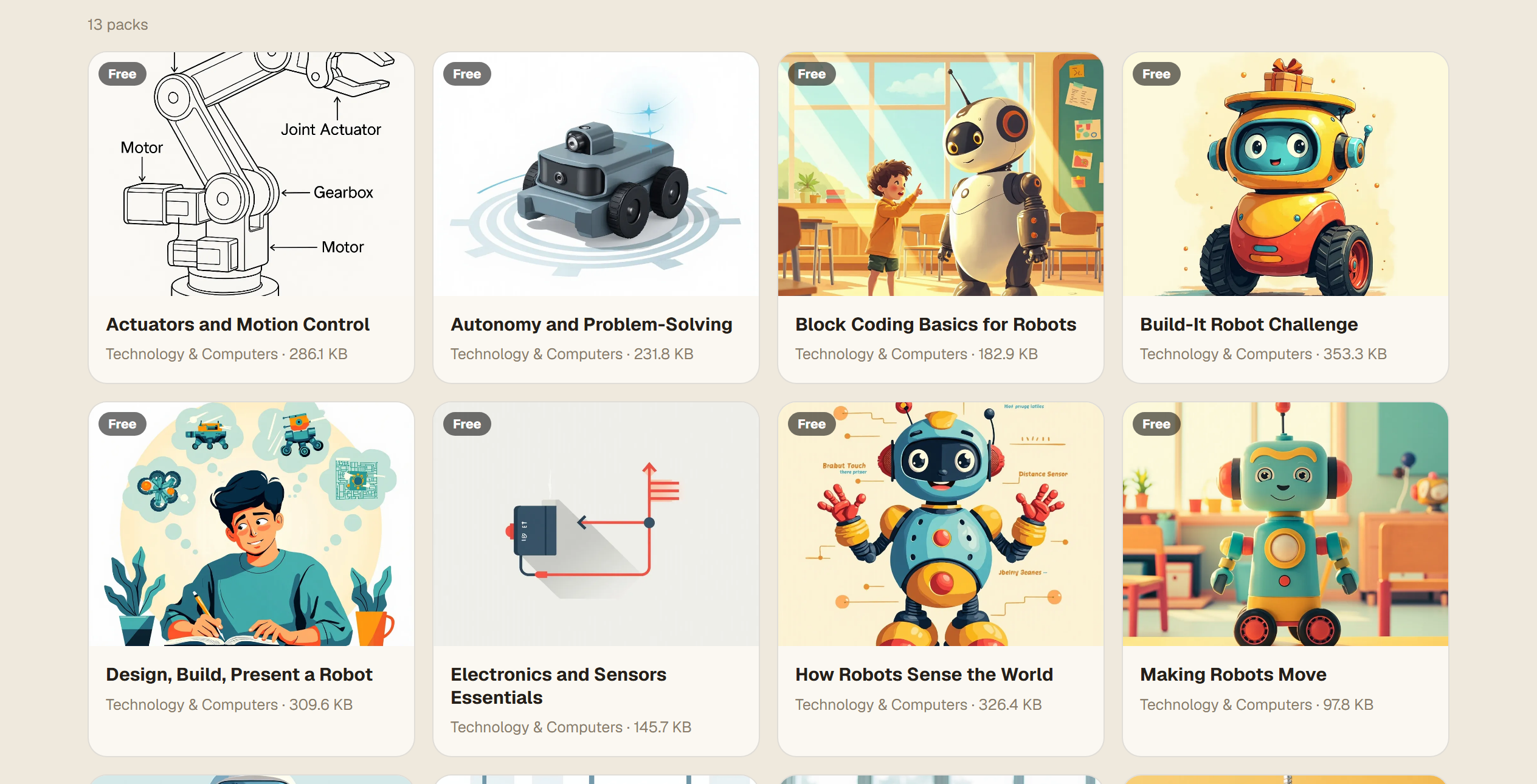
Open the hub for interactive courses — quizzes, forms, calculators and hands-on activities that keep working with no internet; Quiz Live and Workshops for the room; Wiki, Books and Kolibri for a reference library of 50,000+ resources. Every one served from the box.
Deliver where power and internet are unreliable — the work we've done since 2017.
One box on the local network serves a whole classroom or campus, online or off.
Run live, interactive sessions on the box's own hotspot — no venue Wi-Fi needed.
Keep learning and content on infrastructure you control, on-site.
Runs full applications offline — including a library of 50,000+ educational resources — deployed since 2017 with r0g_agency, Opportunity Builds Africa and Migrant Media Network.
Tell us about the place and the people. We'll scope an Edge deployment with you.